Price the Work You'll Actually Be Doing
They want a number before you've seen the books. So you quote something close to what the last client pays, and three months in you're doing twice the work for the same fee.
This builds the price from the work: the accounts, the payroll, how far behind they are, how often they'll reach out. When the price is right, the conversation with the client is about what you'll take off their plate.
Free to start. No card.
You've Probably Had This Client
Two clients pay the same package price. One takes you an hour a month. The other takes your whole Tuesday afternoon.
A quick question in March is a standing task by June, and the fee never moved.
When they say it's more than they expected, you knock a hundred dollars off to keep things friendly.
And the way you price lives in your head, so nobody else in your firm can quote a client the way you would.
How the Price Gets Built
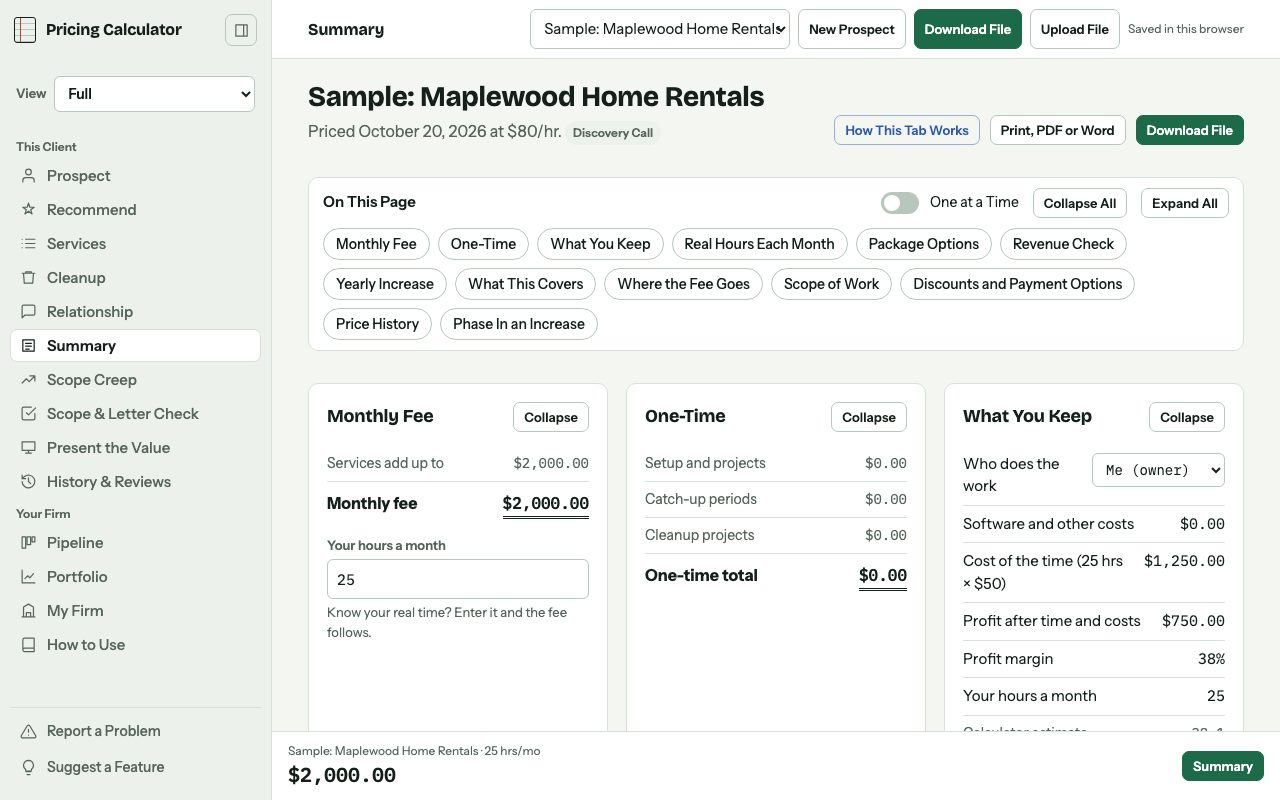
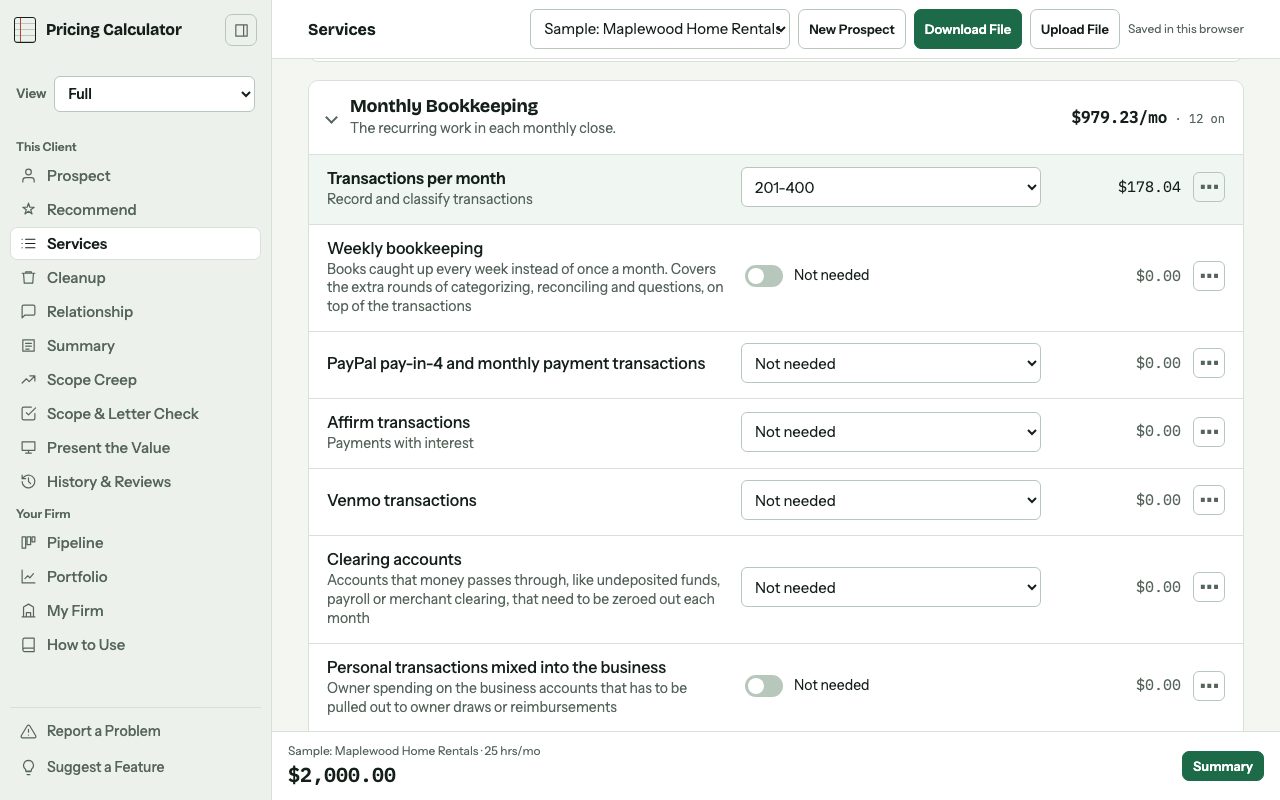
Turn on what the client needs: bank and credit card accounts, payroll, sales tax, 1099s, a monthly meeting. Each one carries the hours it really takes, at your rate.
If the books are a mess, raise the complexity and the hours go up with it. Your minimum sits under everything, so nobody comes in below what your time is worth.
Cleanup gets its own price instead of hiding inside the monthly fee. CFO and controller work bills at your CFO rate.
How It Works
- Set Up My FirmYour hourly rate, your minimum and what an hour of your time really costs. You do this once.
- Add the ClientTheir business, their industry and what they told you. On Full, upload their intake form and it fills this in.
- Turn On the ServicesPick what they need. The hours and the price fill in from your rates.
- Check What You KeepThe monthly fee, the one-time cleanup, and what's left after your time and software.
- Send the ProposalThe scope of work and your payment terms, as a PDF or a Word file you can edit.
- Keep It CurrentLog the extra asks as they come up, and see when each client is due for a fresh look at their price.
On Full, It Reads the Paperwork for You
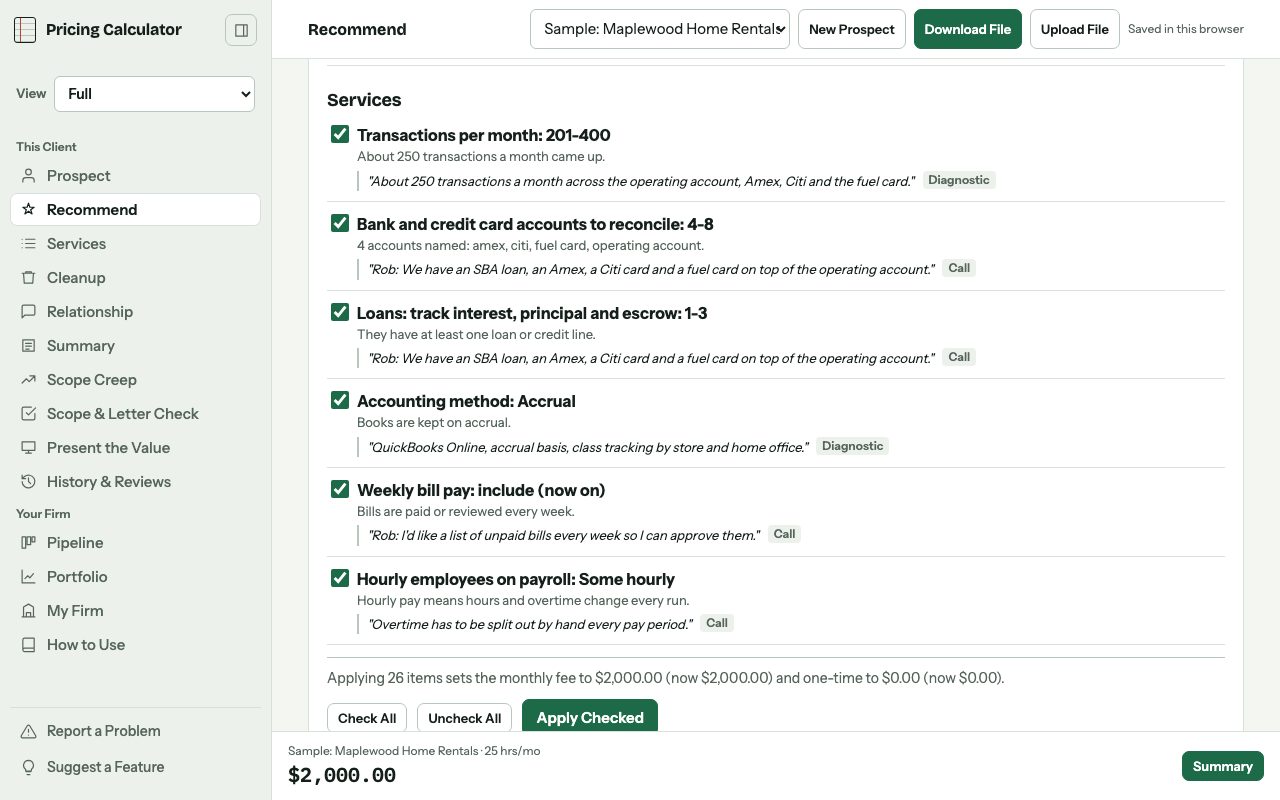
Upload the intake form, the call transcript and your diagnostic notes. It fills in the prospect and suggests what to turn on, with the quote each suggestion came from.
You approve each suggestion before it touches the price.
Stop Winging the Sales Call
Most of us never learned to sell. We had a booking link and good intentions. Then the call runs long, the price comes out too early, and they hang up without a next step.
The Sales Calls add-on asks how you like to sell, like whether you price on the call or after a diagnostic review, and builds your process from your answers. If you haven't decided that yet, it helps you think it through.
Sales Calls Add-On, $9 a Month, Any Plan
- Your call process, from booking to signed, in your own words
- An intake form builder with questions for your niche
- Your discovery questions, and how you answer when they push back on price
- A scorecard for any call transcript you upload: how much you talked, the questions you asked, when price came up and whether you booked a next step
Connect your own AI for $15 a month and it coaches you on each call. On Full, the $9 add-on already includes that connection.
For the Clients Who Don't Fit a Package
Packages
Show up to four versions of the price side by side, each with its own services and its own way to pay.
More Than One Company
On Full, each entity gets its own scope and price, plus the intercompany work, rolled into one total.
The Diagnostic Review
Work through the books with a checklist. Whatever needs fixing becomes a cleanup project and a findings report for the owner.
Staff Review and Training
On Full, checking behind their bookkeeper and training their team each bill at a higher rate than your bookkeeping.
Paid Partly in Trade
When a client wants to trade services, both sides get valued at their normal rates and logged, and you get an agreement draft.
Refer and Earn
Share your link with another bookkeeper and earn 10% of what they pay for their first year.
Three Plans
Free covers pricing and the proposal. Standard saves every client to your account and tracks scope creep. Full reads your documents, runs your pipeline and builds the client presentation.
Free
$0No card. Price a few real clients.
Standard
$19 a month12 months at the monthly price: $228$190 a year7-day free trial.
Full
$39 a month12 months at the monthly price: $468$390 a yearEverything, including Recommend and the pipeline.
The add-ons work with any plan, Free included: Tax for $5 a month, and Sales Calls for $9 a month ($15 if you connect your own AI).
See Who's Close to Signing
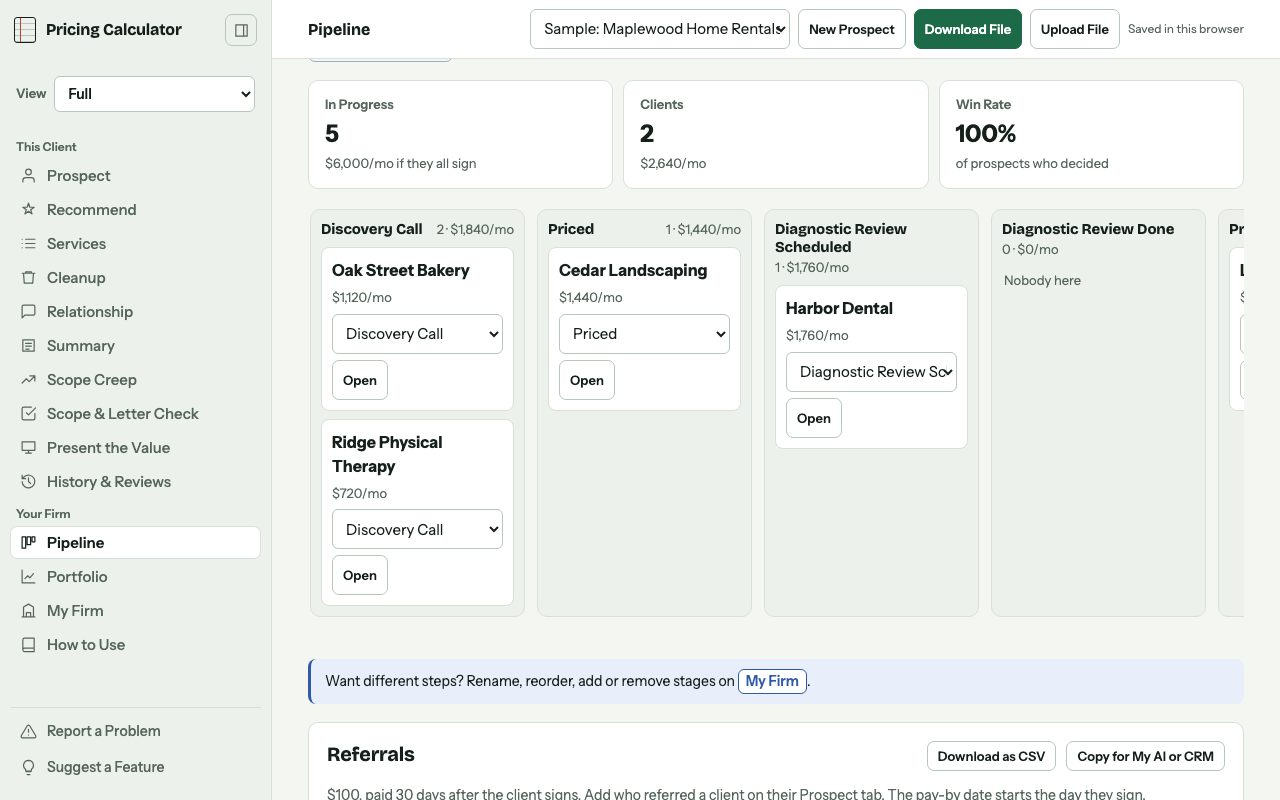
On Full, every prospect sits in a stage you name, from the discovery call to signed. If someone referred them, it tracks what you owe and when to pay it.
If your intake form works with Zapier, you can have new submissions land in the pipeline on their own. Typeform, Jotform and Google Forms are a few that do, so check yours first.
Start With the Sample Client
It's already filled in. Change a few things and see how the price moves, then price a real client.
Start Free